Every notebook is a knowledge graph.
GNKG is a Chrome extension, a web console and an MCP bridge. Push folders of files into Gemini Notebook, build the graph, generate Studio artifacts and let Claude or your own agents do the same, all from your own signed-in browser.
Free install. A seat is $200 plus applicable tax, sold by Metaphy LLC, not by Google. 14-day refund.
Gemini Notebook, with the mail slot removed.
Gemini Notebook is a strong surface for grounded answers. Its limits are the intake: fifty sources, half a million words each, no folders, no API. GNKG works inside your own signed-in browser session, so there is no server of ours between you and your notebooks.
Session-native control
Speaks Gemini Notebook's own internal RPC from your signed-in profile. Notebooks, sources, Studio artifacts and chat, with a DOM fallback when shapes drift.
Install → Web consolePlan, push, generate
The console from the side panel: pack a folder into bins, push them as sources, build the graph, generate audio, slides and reports.
Open → MCP bridgeFull access for agents
23 MCP tools for Claude Code and Cowork, plus a REST twin with OpenAPI. The bridge runs on your machine; the extension connects out to it.
Read →Five tabs, one console.
These are real captures of the GNKG console running in its simulator, with made-up demo notebooks, so you can see the product without our data or yours in the frame.
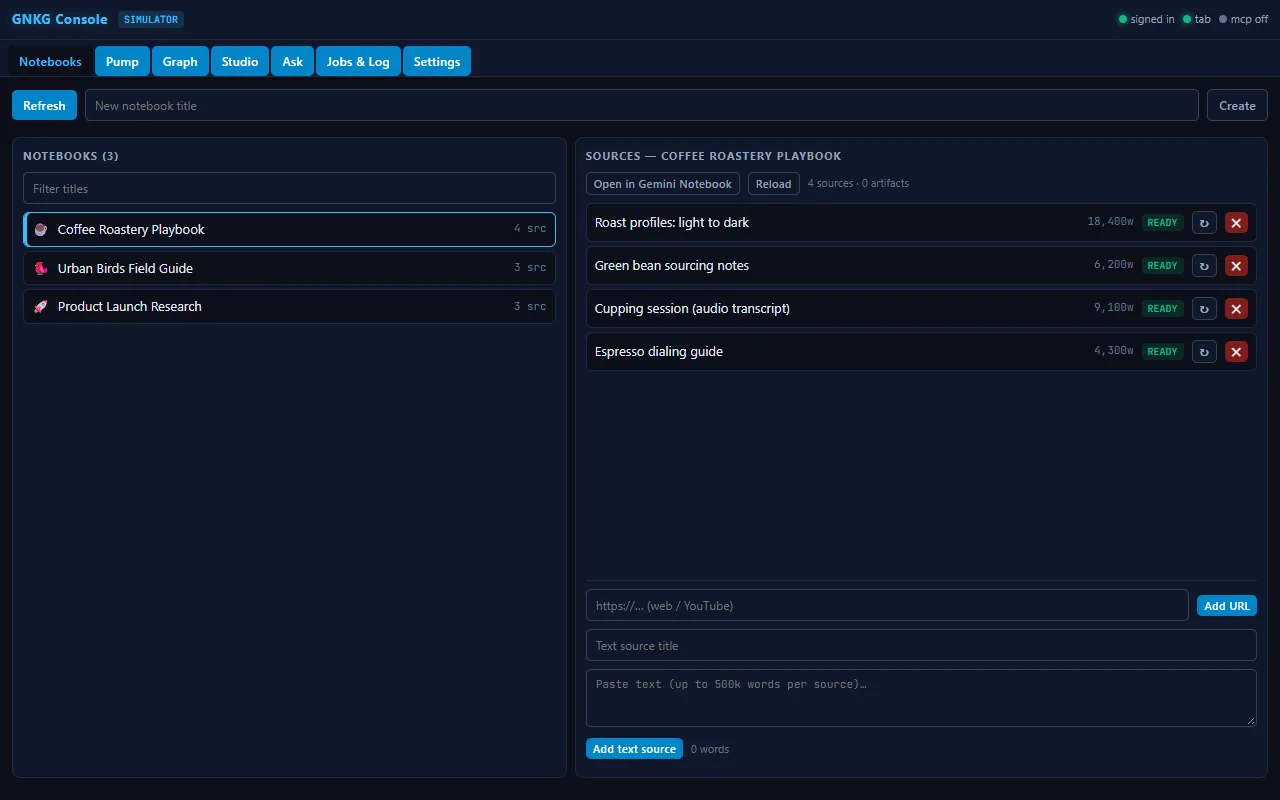
Every notebook and source in one list
See each notebook, its sources, their word counts and status, and add a URL or pasted text without leaving the console.
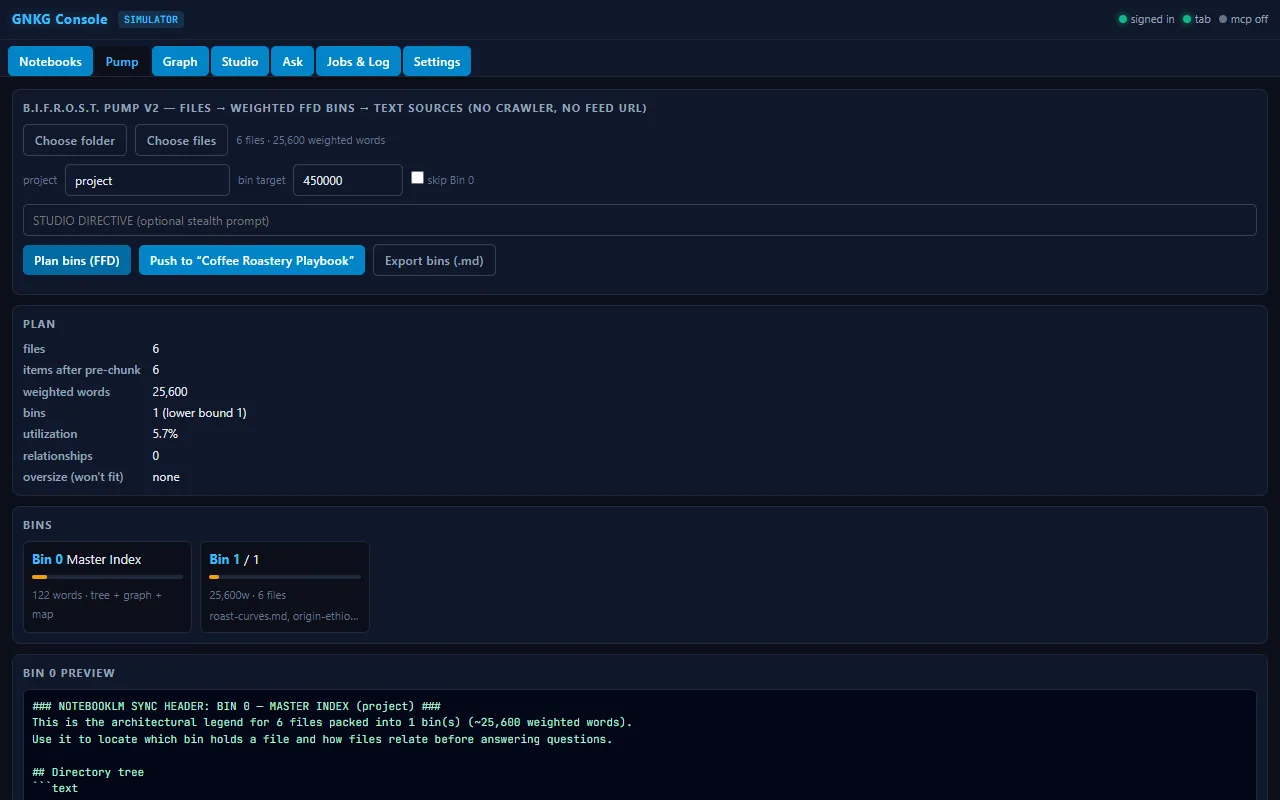
Pack a folder into bins
Plan weighted bins under the 500k-word source cap, preview the master index, then push the bins as sources.
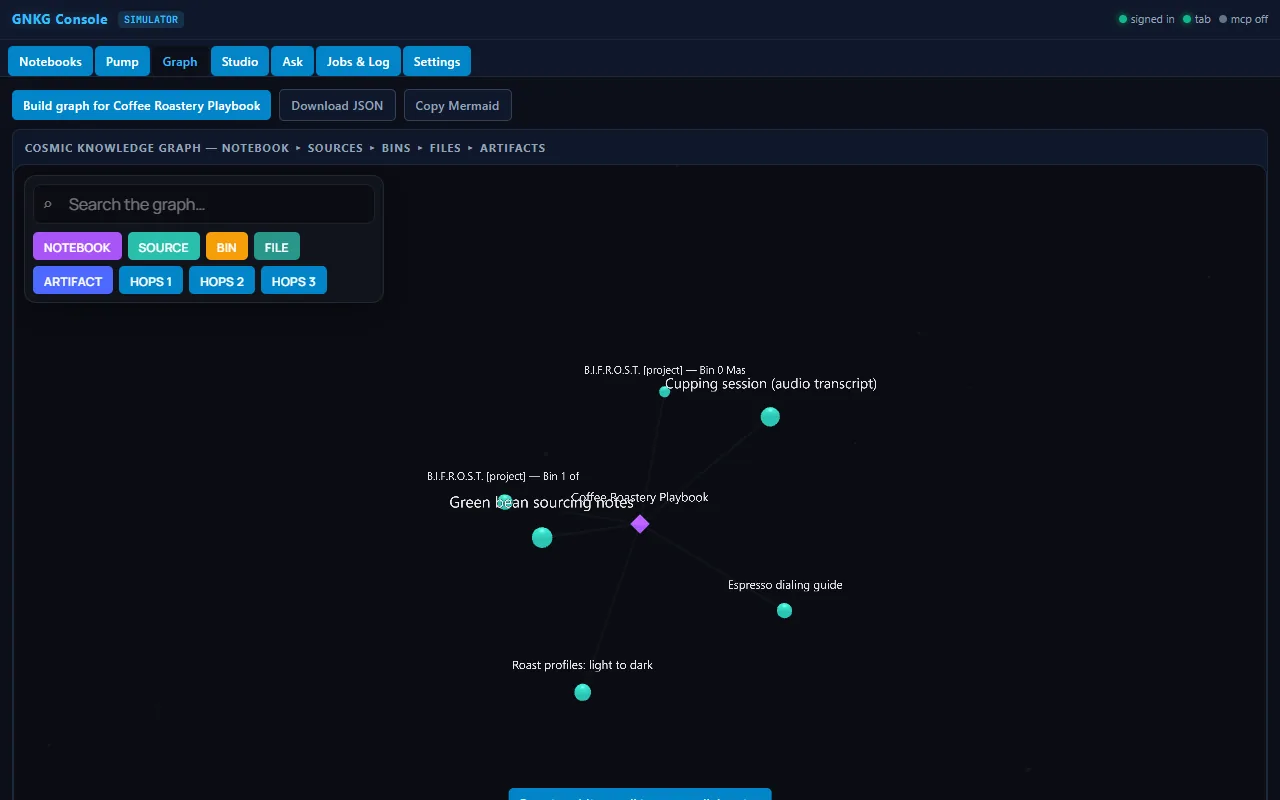
Build the knowledge graph
Turn a notebook into a graph of sources, bins, files and artifacts, then search it and orbit it in 3D.
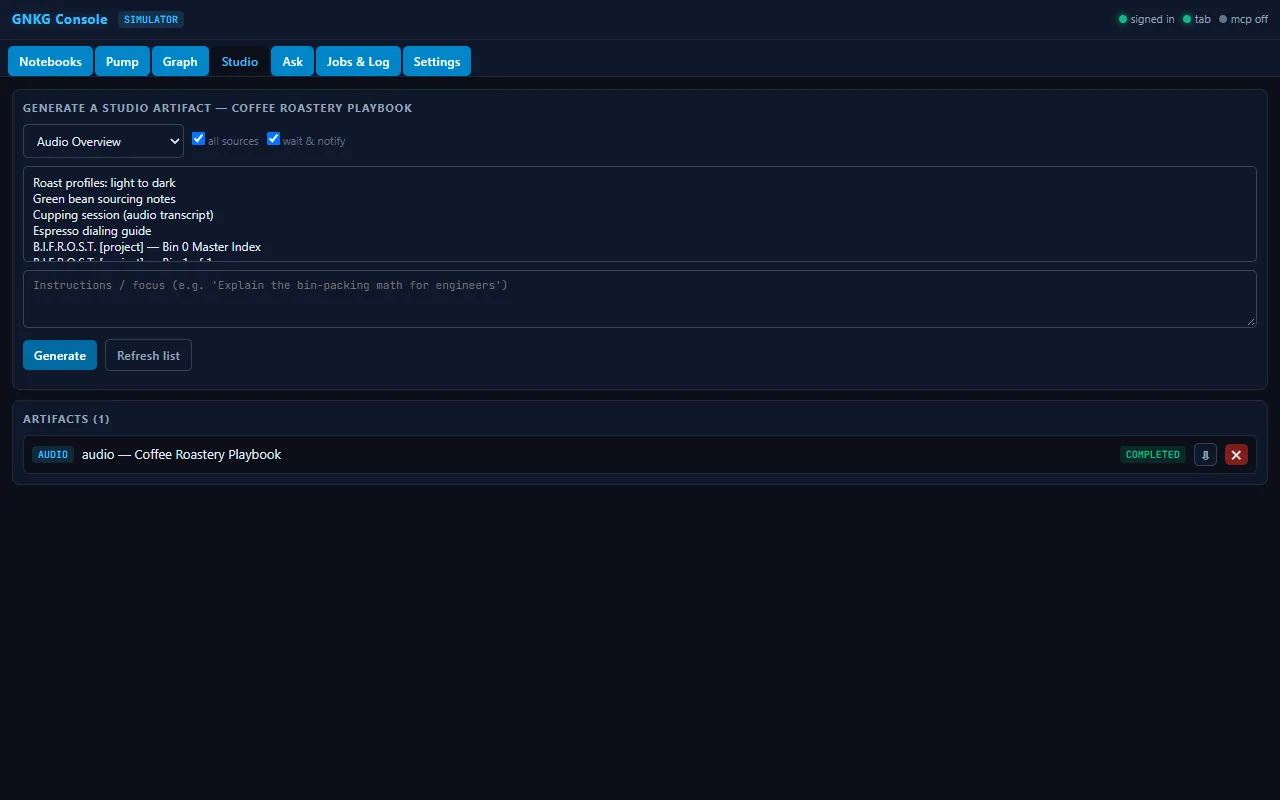
Generate Studio artifacts
Pick an artifact kind, choose the sources and generate. Audio, slides, reports and more, tracked until they complete.
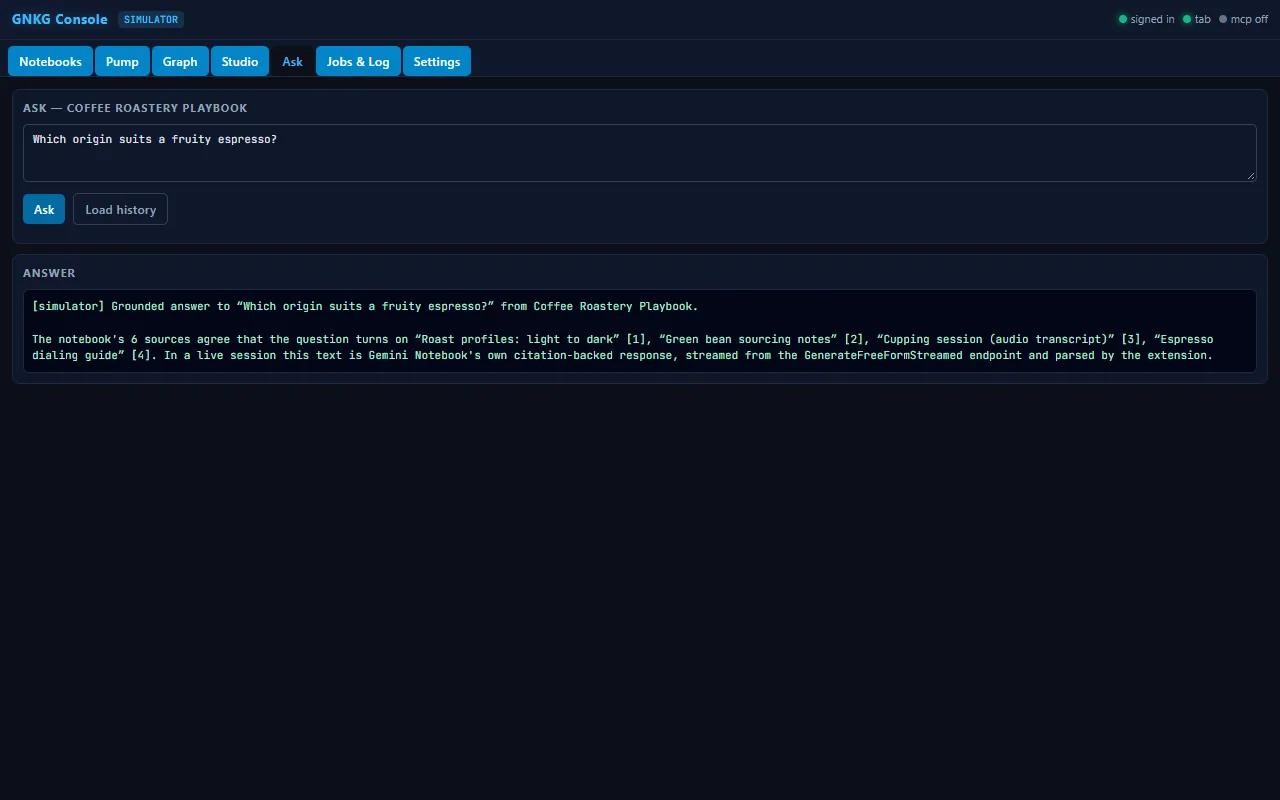
Ask grounded questions
Ask the notebook a question and read the cited answer in the console. In this capture the answer is the simulator's stand-in.
Click through the interactive demo.
A no-install walkthrough of the console on made-up data: ask a question, read the receipts, see the tools. Nothing you type there leaves the page.
Install free. A seat is $200.
One seat covers one person: the extension, the console, and the bridge with its agent harness. $200 plus applicable tax, and a 14-day refund. Tax is added at checkout.
Go deeper.
Load the extension
Load the extension, open the console, run the one-line installer for your agents.
Open → ConsoleTry it live
Plan bins, push sources, build the graph and generate Studio artifacts from the browser, live with the extension, simulator without.
Open → GraphOrbit a constellation
Orbit a live gnkg-graph-v1 constellation: Semantic domains or Structural notebooks, sources, bins, files and artifacts.
Open → For agentsMCP and REST
MCP over stdio or HTTP, REST with OpenAPI. Your agents get the same access you do. Installers and harness files ship with a GNKG seat.
Read → PrivacyWhat we collect
What the extension can access and why, and what stays on your machine.
Read → BuySeat, price and refund
Metaphy LLC sells the seat. Price, tax, refund and what a seat covers.
Read →“The bridge was never the server. The bridge was the session.”